Every long video has ten great clips in it. Get them in minutes.
Paste a stream, podcast or interview link, or upload a file. Clipbest finds the moments viewers replay most, cuts them vertical with captions and a hook, and hands you clips ready for TikTok, Reels and Shorts.
Connecting to the video…
- Reading video
- Finding moments
- Transcript
- Hooks
- Rendering
Whatever you record, there are clips in it.
Pick a preset to start, then fine-tune the layout and captions.
Gaming streams
GTA 6, Fortnite, Minecraft, Valorant and more. Split puts your facecam on top and the gameplay below.
Podcasts & interviews
Pulls out the sharpest answers and best stories, with calm, readable captions.
IRL & just chatting
Finds the reactions and moments the crowd went loudest for.
Commentary & education
Turns long explainers and reactions into short, captioned takeaways.
Clipping pages
Post daily for campaigns that pay per view: ten clips per video, ZIP and CSV export.
Agencies & teams
Clip several creators' channels with your own branding instead of a watermark.
It starts with the moments viewers already rewatched.
The clutch play, the guest's hottest take, the moment the streamer lost it — YouTube records which parts people replay. Clipbest reads that, picks the strongest peaks, and cuts each one into a clip. No replay data yet? It listens for spikes in voice and crowd energy instead.
Paste a link or upload
YouTube videos, finished Twitch and Kick streams, or your own MP4. Hours-long VODs are fine — only the chosen moments are downloaded.
We find and frame the peaks
Each moment becomes a 35-second clip, reframed for vertical, with word-by-word captions and a hook title at the top.
Download and post
Every clip comes with a ready-to-paste caption and hashtags. Grab them one by one, or all at once as a ZIP.
Three ways to fit a wide video on a tall screen.
Pick the one that suits your content. Every option works in all four formats.
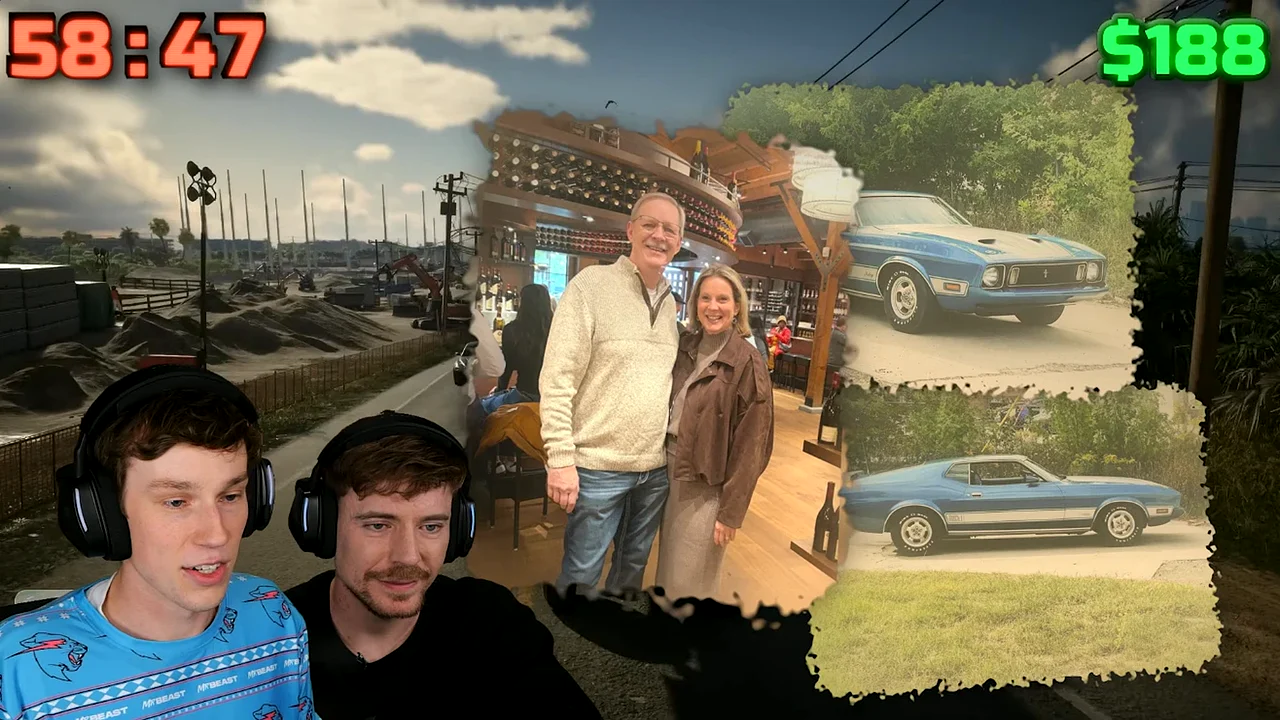
The original stream. A normal 16:9 video wastes two thirds of a phone screen, and the facecam ends up tiny.
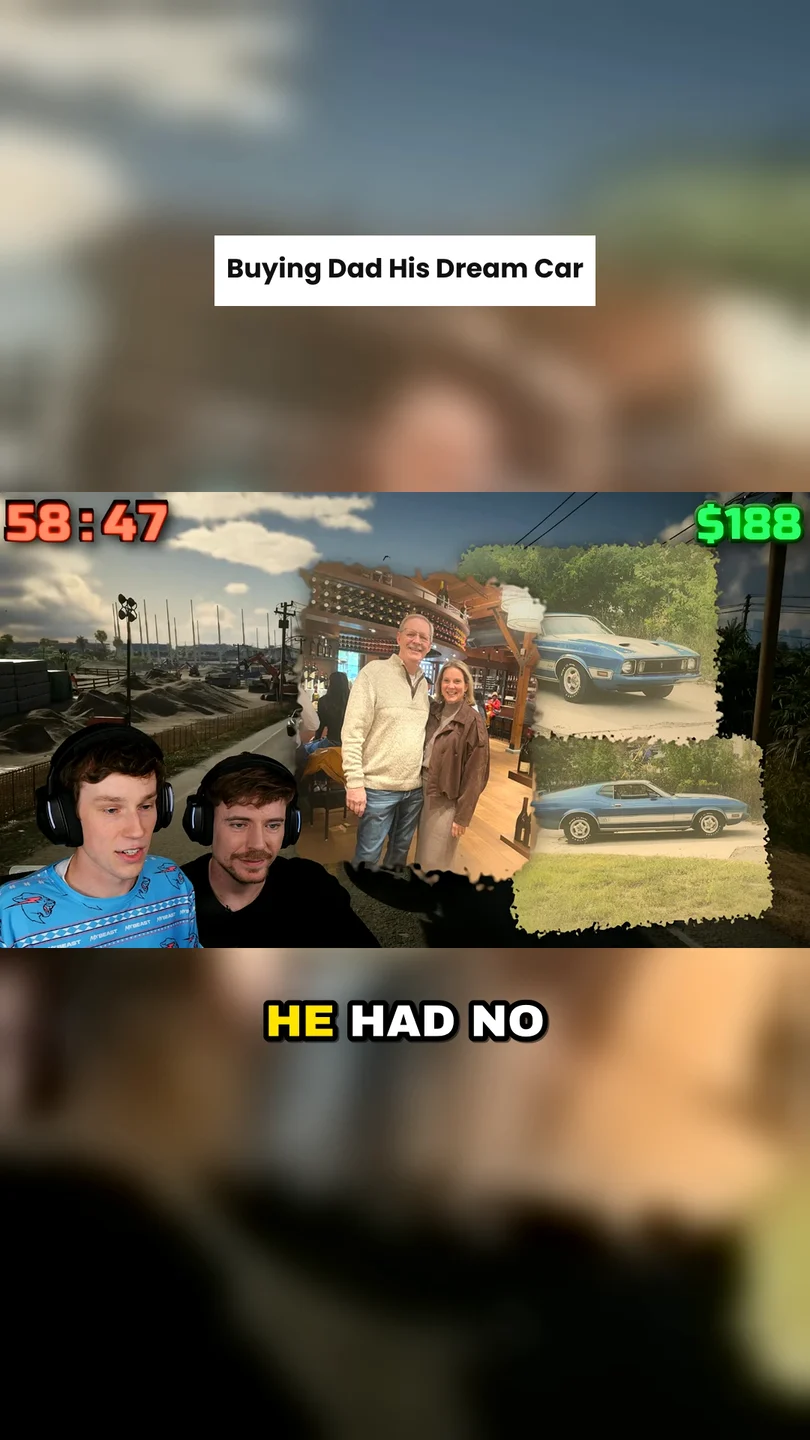
Fit
The whole frame, on a soft blurred background. Nothing gets cut.
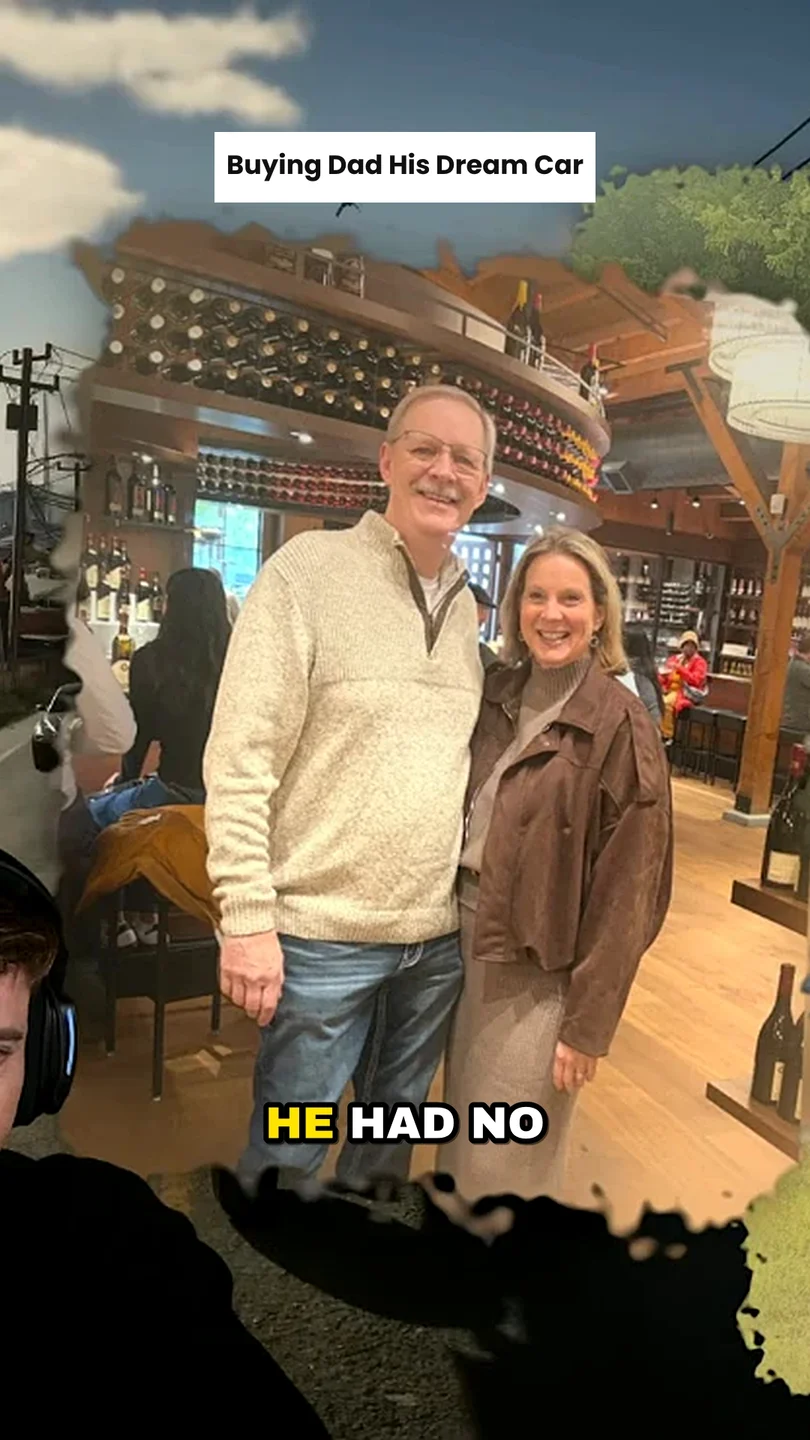
Fill
Zooms into the centre of the action so it fills the screen.
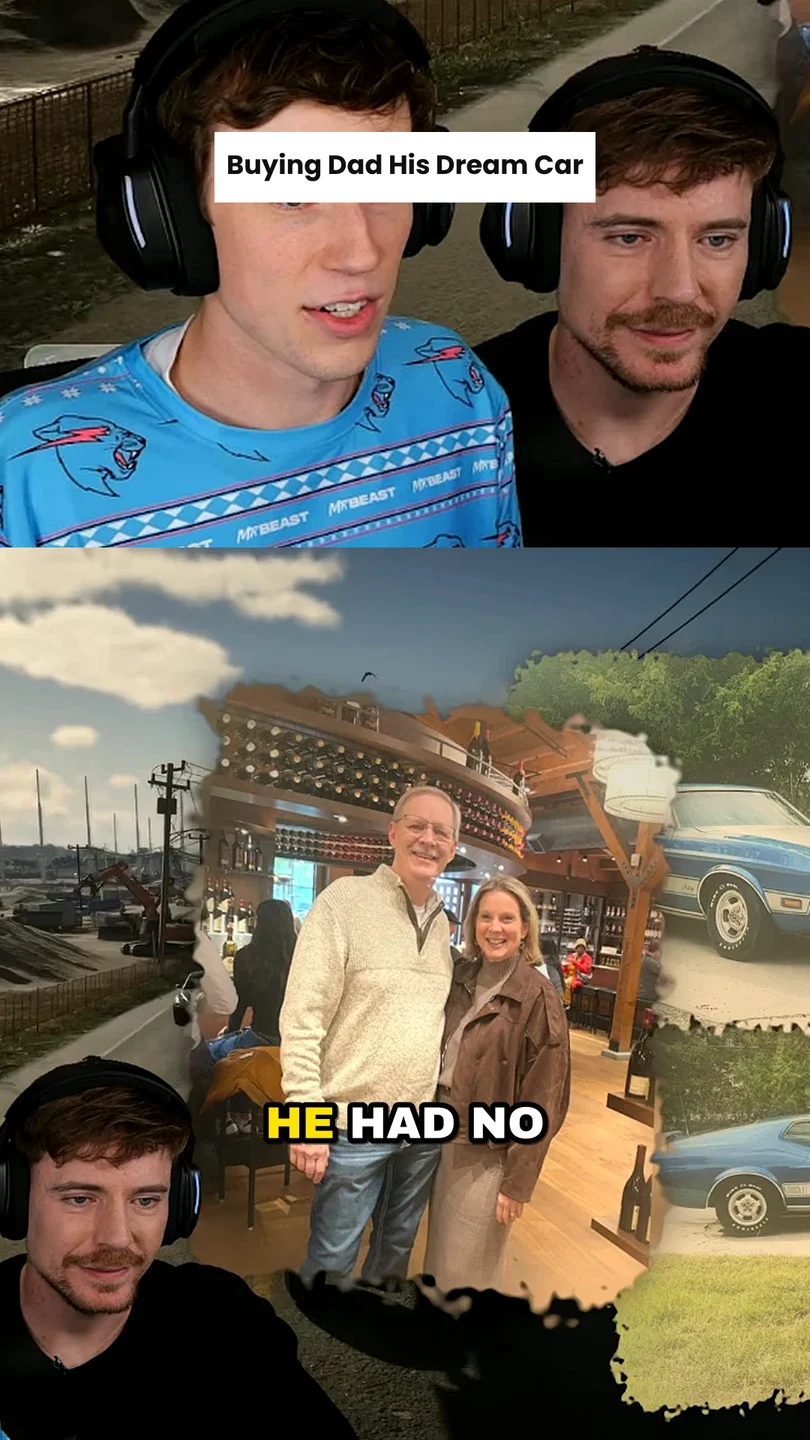
Split
Facecam on top, the action below — so viewers see the reaction and the moment.
Example frame from a MrBeast livestream, shown to illustrate the layouts. Clipbest is not affiliated with or endorsed by MrBeast.
Readable on mute. Timed to every word.
Most short videos are watched without sound. Each spoken word lights up as it's said, in one of three styles and any highlight colour.
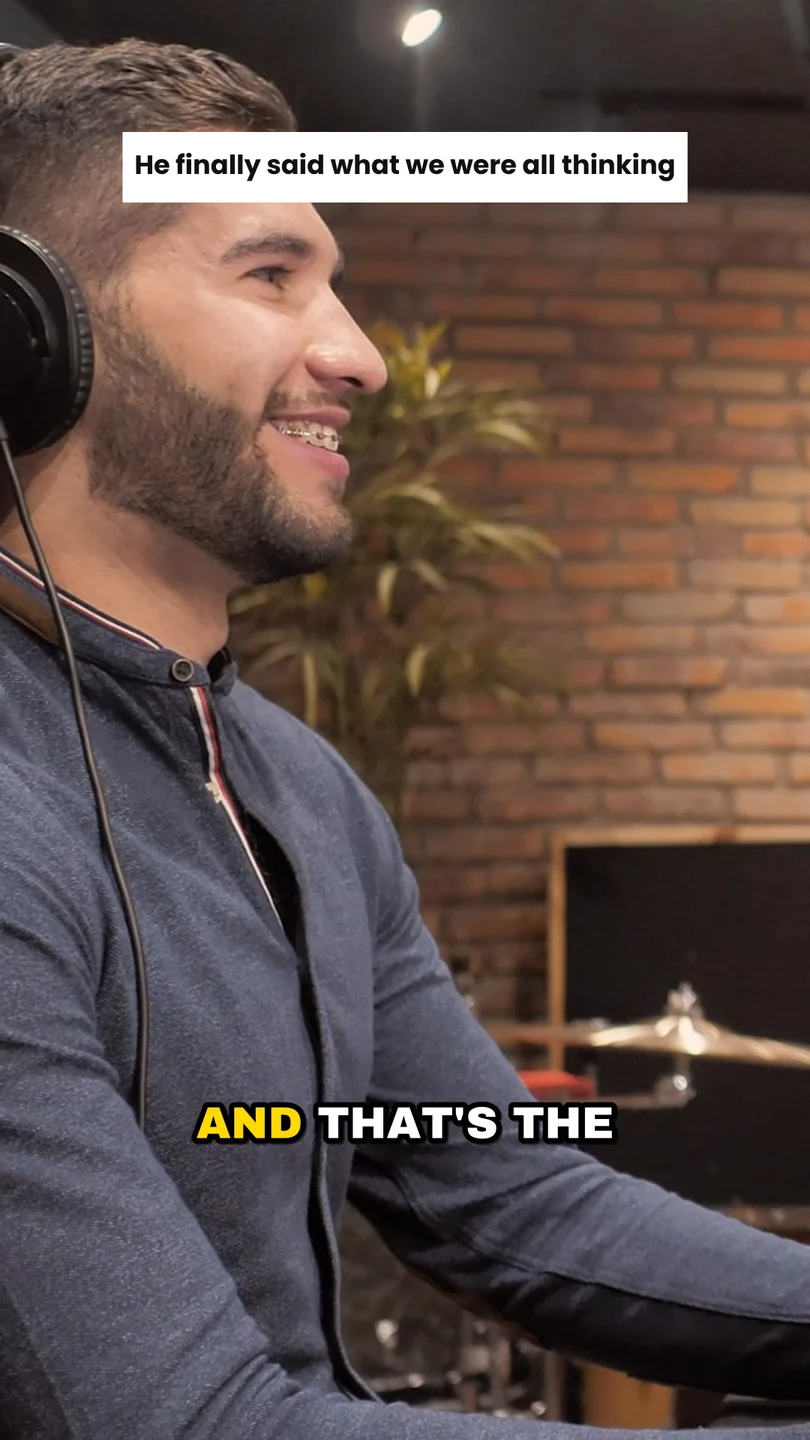
Classic
Heavy all-caps that read at a glance. Great for podcasts and commentary.
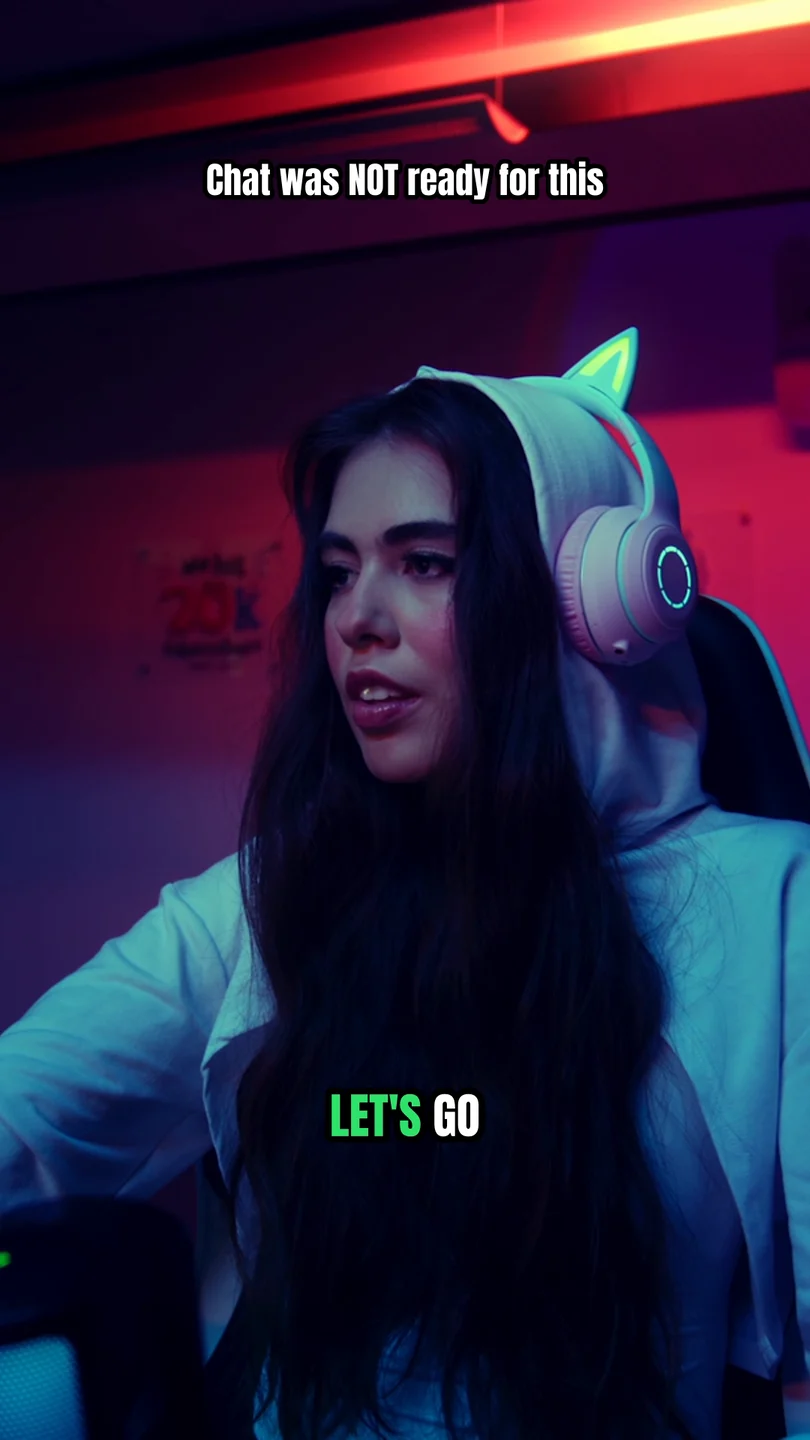
Bold
Big, two words at a time. Built for gaming and hype.
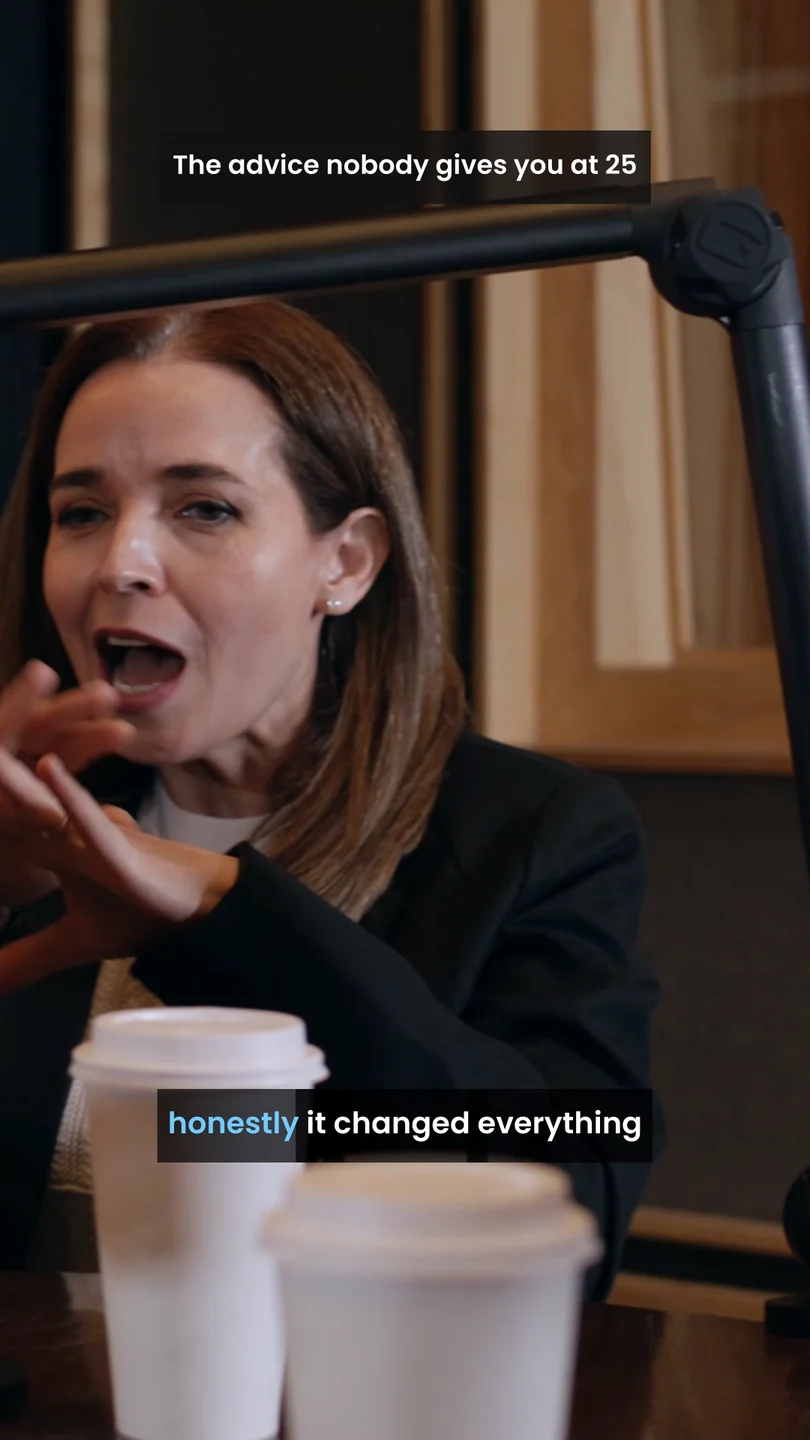
Clean
Calm sentence case for interviews and talks.
Everything you need to post, not just the video.
The boring parts are done for you, so you can post more and edit less.
A hook title
A short headline on screen that gives viewers a reason to stay past the first second.
Caption & hashtags
Written for each clip. Copy and paste straight into TikTok, Reels or Shorts.
A replay score
Clips are ranked by how strongly viewers reacted, so you know which to post first.
One-click ZIP
All clips plus a text file of hooks and captions, ready for scheduling.
CSV for schedulers
Import every clip's title, caption and hashtags into Buffer, Metricool and similar tools.
Your brand, not ours
Pro clips have no watermark — add your own @handle instead.
Priced per video, not per minute.
A six-hour stream or a three-hour podcast costs the same as a ten-minute video. Start free, upgrade when you're posting every day.
Free
To try it on your own videos.
- Top 3 clips per video
- 5 videos a day
- All layouts, formats and caption styles
- Small "Made with Clipbest" watermark
Creator Pro
For creators posting several times a week.
- Up to 10 clips per video
- No watermark — add your own handle
- Download all as ZIP + CSV
- Any video length, no minute credits
Clipper Agency
For clipping pages and teams posting daily.
- Everything in Creator Pro
- Up to 20 clips per video
- Higher daily video limit
- Priority email support
Payments are handled securely by Gumroad. Your license key arrives by email right after purchase.
Which links work?
Public YouTube videos, and Twitch or Kick streams once they've ended and the VOD is available. You can also upload your own MP4, MOV, MKV or WebM file.
How are the moments chosen?
For YouTube we use the replay data that shows which parts viewers rewatch most. When that isn't available — new videos, uploads, other sites — we look for spikes in voice and crowd energy in the audio.
How long does it take?
Usually one to three minutes, however long the original is. If lots of people are clipping at once you may wait in line for a moment.
Do captions work in other languages?
Captions are best in English today. Videos in other languages are still clipped; captions may be missing or less accurate.
Can I clip any streamer or podcast?
Only videos you own or have permission to use. Many streamers and podcasts run paid clipping campaigns (for example on Whop) and want clips of their content — that's the safest and best-paying place to start. Posting other people's content without permission can get your accounts taken down.
What happens to my files?
Uploads and finished clips are deleted automatically after 24 hours. Download what you want to keep. We never use your videos for anything else.
How do I cancel or get a refund?
You can cancel anytime from your Gumroad receipt or library; Pro stays active until the end of the period you paid for. If it isn't working for you, email us within 7 days of paying for a refund.
Your next viral clip is already recorded.
Paste the link and see the top three moments in a couple of minutes. Free, no sign-up.
Find my clips